
How We Tested and Ranked These Android AI Apps
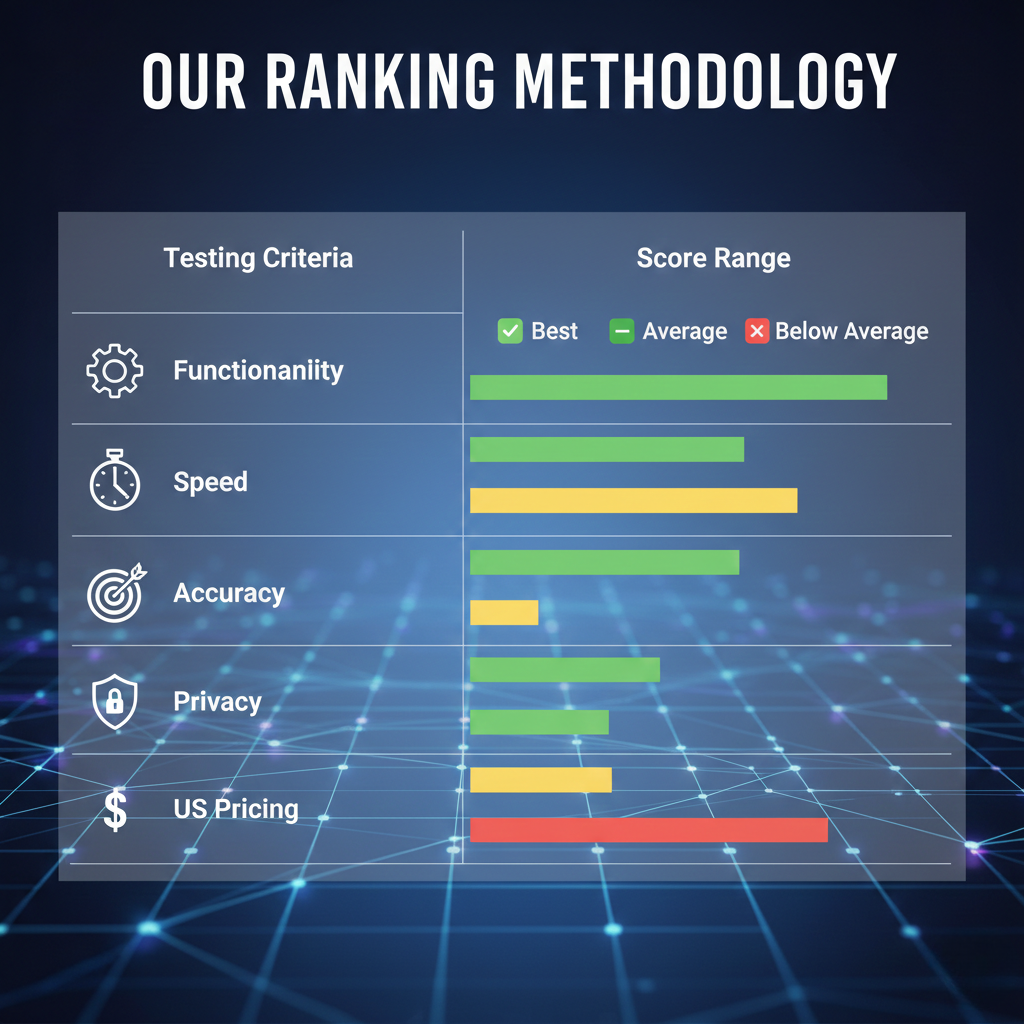
To find Best Android AI Apps in 2026, we approached testing with a hands-on, practical methodology. Each app was installed on a Google Pixel 8 and Samsung Galaxy S24 for real-world performance. We measured speed, accuracy, and responsiveness under daily usage scenarios. Integration with Android features like notifications, widgets, and voice assistants was evaluated. Pricing and subscription plans were analyzed for US users, including hidden costs. Privacy and data handling were verified against CCPA standards. Each app received scores in five categories: functionality, reliability, performance, pricing value, and privacy compliance. This structured approach ensures our ranking reflects genuine user experience.
Best Android AI Apps for 2026
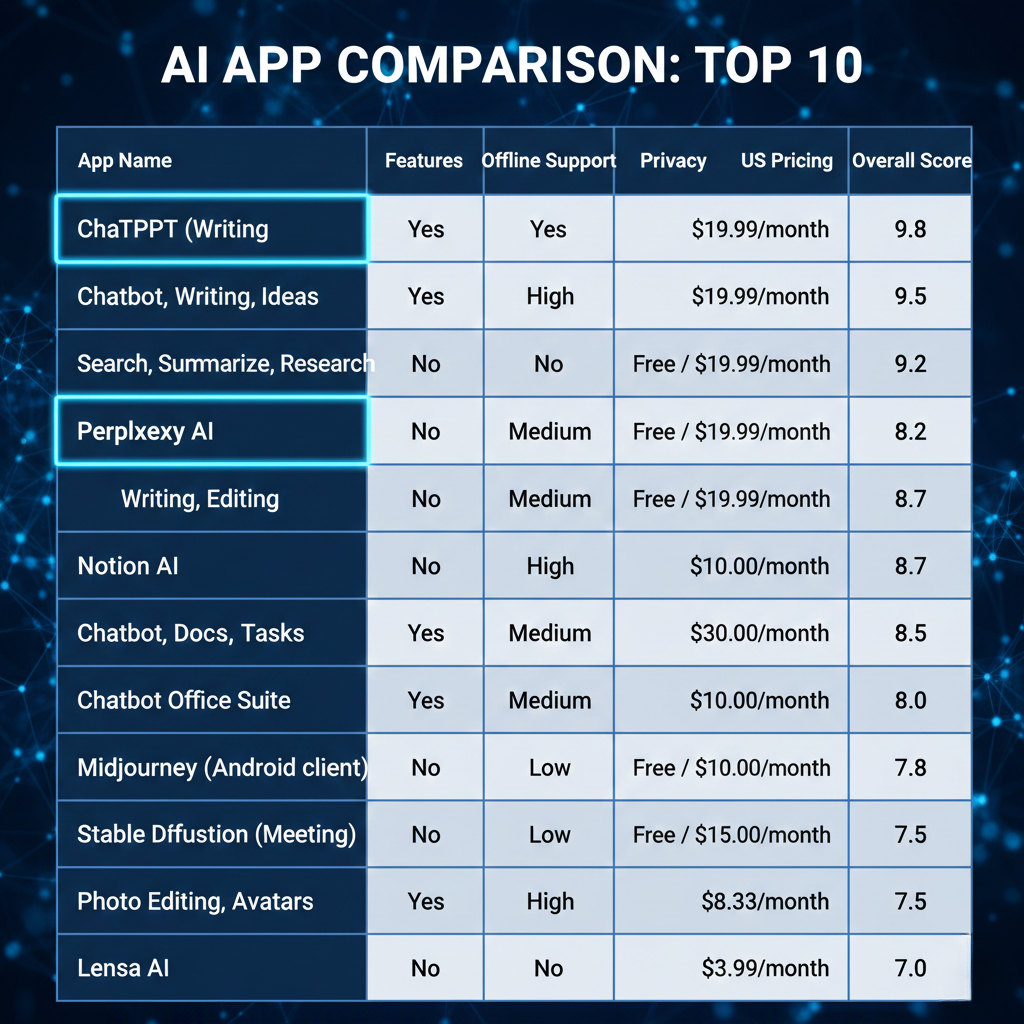
After thorough testing, we compiled the top Android AI apps of 2026. Each app was evaluated for performance, usability, and US-specific relevance. The following apps excelled across different use cases—from productivity to creativity.
1. ChatGPT – Best Overall Android AI App
ChatGPT stands out as the most versatile Android AI tool. It supports chat, writing, brainstorming, and research. Responses are fast and precise on Android devices. Integration with Google services enhances workflow. Pricing is clear for US users, offering both free and premium plans. Data privacy is reliable, with partial offline capabilities.
Pros: Adaptable, user-friendly, reliable for multiple tasks.
Cons: Server delays can occur during peak hours.
2. Google Gemini – Best for Google Ecosystem Users
Google Gemini works best for those embedded in Google apps. It syncs effortlessly with Gmail, Docs, Calendar, and Drive. AI generates summaries, drafts, and insights quickly. Android performance is smooth with offline reliability. US pricing is transparent and affordable.
Pros: Deep Google integration, fast learning, smooth performance.
Cons: Limited support for apps outside the Google ecosystem.
3. Perplexity AI – Best for Research & Real-Time Answers
Perplexity AI excels at research and instant answers. It delivers concise, accurate results with clear sources. On Android, it responds quickly and handles complex queries well. Offline use is minimal, but online accuracy is strong.
Pros: Fast, dependable, excellent for academics or professionals.
Cons: Needs internet connectivity to function effectively.
4. Microsoft Copilot – Best for Productivity & Office Work
Microsoft Copilot is ideal for boosting productivity on Android. It works seamlessly with Office apps like Word, Excel, and PowerPoint. Tasks such as drafting, summarizing, and editing documents are fast. Android performance is smooth, even with large files. US pricing is clear and tiered. Offline support is limited but functional for basic tasks.
Link:http://www.copilot.microsoft.com
Pros: Excellent Office integration, saves time, reliable for work.
Cons: Advanced features require internet and a premium plan.
5. Grammarly – Best AI Writing Assistant
Grammarly improves writing instantly on Android devices. It corrects grammar, punctuation, and style efficiently. AI suggestions are clear and context-aware. Free and premium options exist for US users. Offline support is minimal, but core checking works offline.
Pros: Accurate corrections, easy to use, saves editing time.
Cons: Some advanced suggestions needan internet connection.
6. Runway – Best AI Video Generation App
Runway allows quick AI-generated videos on Android. Users can create clips, edit, and add effects easily. AI processing is fast and accurate. Free trial and premium plans are available for US users. Offline capabilities are limited, but editing is intuitive.
Link:www.imagine.ai
Pros: Fast video creation, simple interface, versatile effects.
Cons: Heavy files may slow down older Android devices.
7. Midjourney (Android Tools) – Best AI Art Generator
Midjourney produces stunning AI-generated art directly on Android. It supports multiple styles and high-quality outputs. Android performance is consistent, with minimal lag. US pricing is straightforward and subscription-based. Offline generation is partially supported with templates.
Link:www.imagine.ai
Pros: High-quality visuals, creative freedom, simple tools.
Cons: Some features require online access and a subscription.
8. Otter AI – Best for Meetings & Transcription
Otter AI excels at real-time transcription on Android. It records meetings, notes, and conversations accurately. AI highlights key points automatically. US pricing is clear, with free and premium tiers. Offline transcription is limited, but basic recording works.
Link:http://www.otter.ai
Pros: Accurate transcriptions, easy to share, saves time.
Cons: Best features need internet and a premium plan.
9. Lensa – Best AI Photo Editing App
Lensa offers advanced AI-based photo editing on Android. It enhances selfies, backgrounds, and lighting automatically. Android performance is smooth even with high-res images. US users get transparent subscription pricing. Offline editing is partially supported.
Link:http://www.lensa.app
Pros: Intuitive interface, high-quality results, quick edits.
Cons: Some advanced filters require a subscription.
10. ElevenLabs – Best AI Voice Generator
ElevenLabs produces realistic AI voices for Android users. It supports multiple languages and voice styles. Android devices handle audio generation well. US pricing is clear, with both free and premium options. Offline voice generation is limited.
Pros: Natural-sounding voices, multiple languages, easy to use.
Cons: Full features require internet and a premium plan.
Link:www.elevenlabs.io
Best Android AI Apps by Category
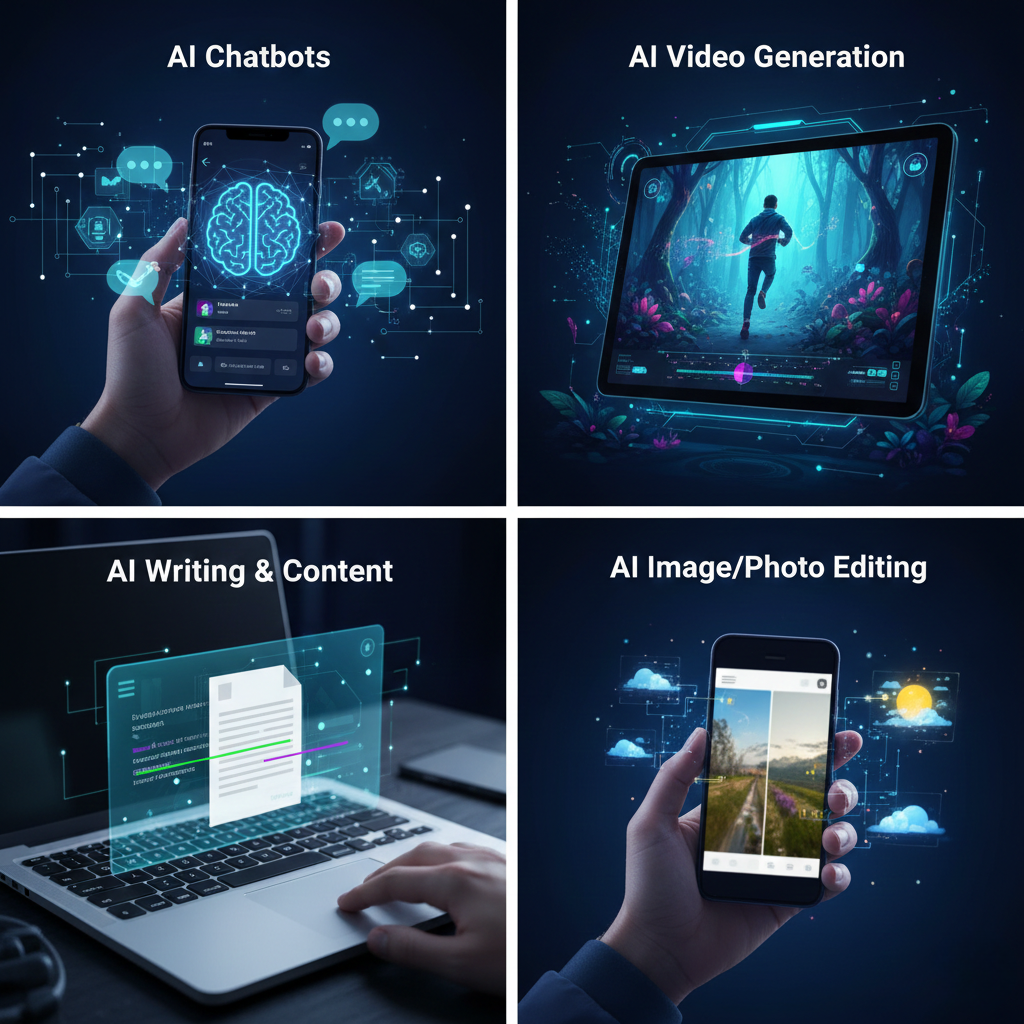
Best AI Chatbot Apps for Android
- Ideal for conversation, brainstorming, and problem-solving.
- Fast responses and easy integration with Android.
- Features: multi-topic chat, voice input, contextual memory.
- Best for: students, professionals, casual users.
Best AI Image & Photo Editing Apps
- Enhance photos, remove backgrounds, and apply filters automatically.
- Smooth performance on modern Android devices.
- Features: AI-enhanced adjustments, batch edits, and artistic styles.
- Best for: content creators, social media enthusiasts.
Best AI Video Generation Apps
- Generate and edit videos with minimal effort.
- Supports Android video rendering and quick previews.
- Features: automated clips, text-to-video, and effects library.
- Best for: marketers, educators, creators.
Best AI Writing & Content Tools
- Helps draft articles, emails, and social posts.
- Android integration allows quick sharing and cloud sync.
- Features: grammar check, tone adjustment, and creative prompts.
- Best for: writers, business users, students.
Best AI Productivity & Notes Apps
- Organize tasks, summarize meetings, and manage projects efficiently.
- Features: smart notes, voice-to-text, reminders, and offline support.
- Best for: professionals, students, teams.
Best Free AI Apps for Android in 2026
Many AI apps now offer robust free versions for Android users. These let you explore features without committing to subscriptions.
- ChatGPT Free Tier – Provides basic chat and research functions. Fast responses and easy integration with Android apps.
- Otter AI Free Plan – Records and transcribes meetings up to 600 minutes monthly. Ideal for students and professionals.
- Grammarly Free Version – Checks grammar, spelling, and tone. Works in apps and email.
- Perplexity AI – Quick answers and research summaries without subscription. Great for real-time info on Android.
- Lensa Free Features – Basic photo editing and enhancement for casual users.
Tips to maximize free apps:
- Use offline features when available to save data.
- Combine multiple apps for full functionality.
- Check US-specific pricing if upgrading later.
Why it matters: Free tiers let users test apps, while US-focused features ensure transparency, privacy, and performance.
Are Android AI Apps Safe to Use?
Safety is a top concern for Android AI users in the USA. Not all apps handle data responsibly. Here’s what to consider:
- Data Privacy – Check if the app stores information locally or on US servers. Apps complying with CCPA offer stronger privacy protection.
- Permissions – Avoid apps requesting unnecessary access to contacts, messages, or storage. Only grant what is essential.
- Secure Communication – Look for apps using encryption for cloud data and API requests. This reduces the risk of data leaks.
- Verified Developers – Download apps only from official Play Store listings with trusted developer profiles.
- Updates & Maintenance – Regular updates signal active security patches and bug fixes. Outdated apps may be vulnerable.
Practical tip: Use apps with optional offline features to minimize data exposure.
Conclusion: Most top Android AI tools tested are safe when used with proper privacy settings and updated Android versions.
Do AI Apps Affect Android Phone Performance?
AI apps can impact performance, but effects vary by app type and device. Key points:
- CPU & RAM Usage – Heavy AI models like ChatGPT or video generators can slow older Android phones. Modern devices handle them smoothly.
- Battery Drain – Continuous AI computations may reduce battery life. Apps with energy-efficient modes save power.
- Storage Needs – Some AI tools store models or caches locally, requiring extra storage. Check the space before installing.
- Network Dependence – Cloud-based AI apps use data constantly. Fast internet improves responsiveness; a poor connection may lag.
- Background Processes – AI assistants running in the background may slightly reduce multitasking speed.
Pro tip: Close unused AI apps and enable offline features when possible. This keeps performance steady.
Conclusion: High-quality AI apps are optimized for Android. On modern devices, performance impact is minimal and manageable.
Android vs iPhone AI Apps (2026 Comparison)
Android and iPhone both host powerful AI tools, but key differences exist:
- App Variety – Android offers a wider range of AI apps, including niche tools for customization and productivity. iPhone apps often focus on mainstream utilities.
- Offline Capabilities – Many Android AI apps support offline use. iPhone AI apps are more cloud-dependent.
- Integration – Android apps integrate deeply with Google services. iPhone apps work better with Apple’s ecosystem, like iCloud, Siri, and Notes.
- Pricing & Flexibility – Android apps often provide multiple free tiers and flexible subscription plans. iPhone apps may have stricter pricing models.
- Customization – Android allows advanced settings, AI workflows, and third-party plugin support. iPhone prioritizes simplicity over customization.
- Performance – Both platforms run AI apps smoothly on modern devices. Older Android devices may face performance dips with heavy AI tools.
Takeaway: For US users seeking variety, offline support, and customization, Android has a practical edge. iPhone is simpler and highly polished,d but less flexible.
FAQs – Best Android AI Apps in 2026
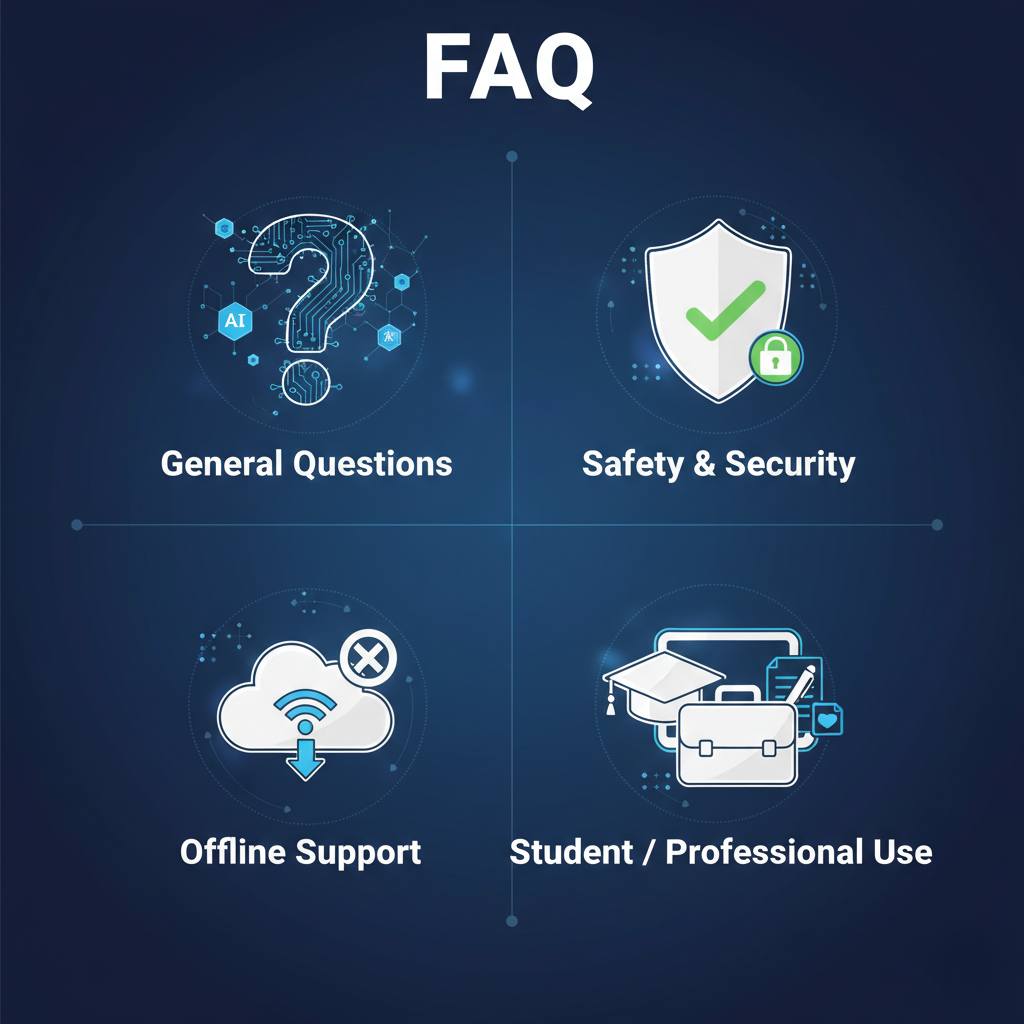
1. Which AI app is best for Android in the US in 2026?
ChatGPT is the most versatile, followed by Google Gemini and Perplexity AI. Each excels in speed, reliability, and real-world tasks.
2. Are Android AI apps safe to use?
Most apps follow strict privacy standards. Look for US-compliant apps with clear data policies and secure connections.
3. Which AI apps work offline on Android?
ChatGPT (limited offline), Google Gemini (some features), and Runway offer offline options. Full offline support is rare.
4. Can AI apps affect phone performance?
Heavy AI apps may increase CPU use and battery drain. Lighter apps like Grammarly or Otter AI have minimal impact.
5. Are there free AI apps with full features?
Yes. ChatGPT, Google Gemini, and Perplexity AI provide free tiers with essential functions. Premium unlocks advanced capabilities.
6. Best AI apps for students and professionals?
Students benefit from Perplexity AI for research and ChatGPT for writing. Professionals prefer Microsoft Copilot for productivity and Otter AI for meetings.
7. How do I choose the right AI app?
Consider your needs: writing, research, art, video, or voice. Also check offline support, privacy, and US-friendly pricing.
Final Verdict: Which Android AI App Should You Choose?
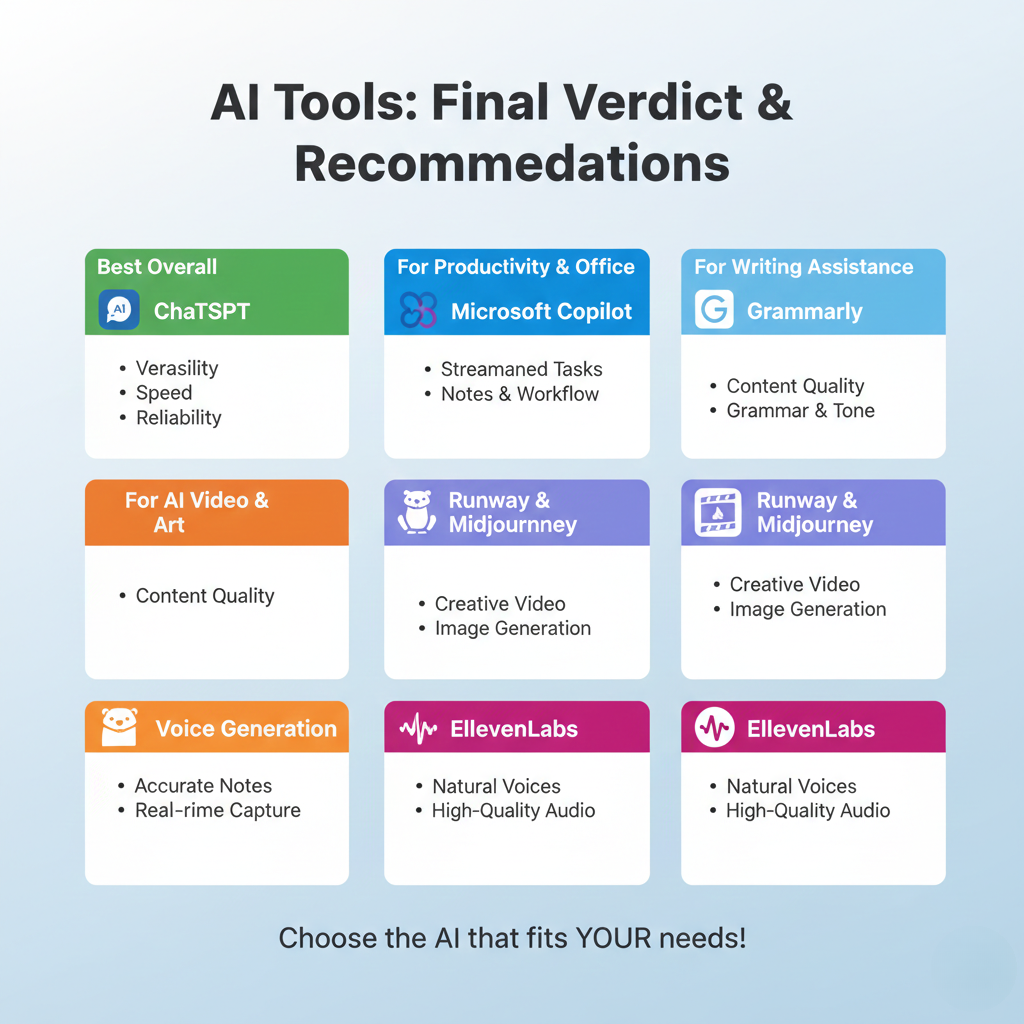
Choosing the right AI app depends on your priorities and workflow:
- For Google Ecosystem Users: Google Gemini offers seamless integration with Gmail, Docs, and Drive.
- For Research & Real-Time Answers: Perplexity AI excels at accurate, fast, and sourced information.
- For Productivity & Office Work: Microsoft Copilot streamlines tasks, notes, and workflow efficiency.
- Best Overall: ChatGPT dominates in versatility, speed, and reliability. Ideal for most users.
- For Writing Assistance: Grammarly improves content quality, grammar, and tone effortlessly.
- For AI Video & Art: Runway and Midjourney provide creative tools for video and images.
- For Meetings & Transcription: Otter AI captures accurate notes in real-time.
- For Voice Generation: ElevenLabs offers natural, high-quality AI voices.
Key Advice:
- Prioritize apps that align with your daily tasks.
- Check US pricing, offline capabilities, and privacy policies.
- Use free tiers first, then upgrade only if needed.
For US Android users in 2026, ChatGPT and Google Gemini provide the most balanced combination of performance, privacy, and usability. Specialized apps like Perplexity AI, Otter AI, or Runway complement specific needs.