
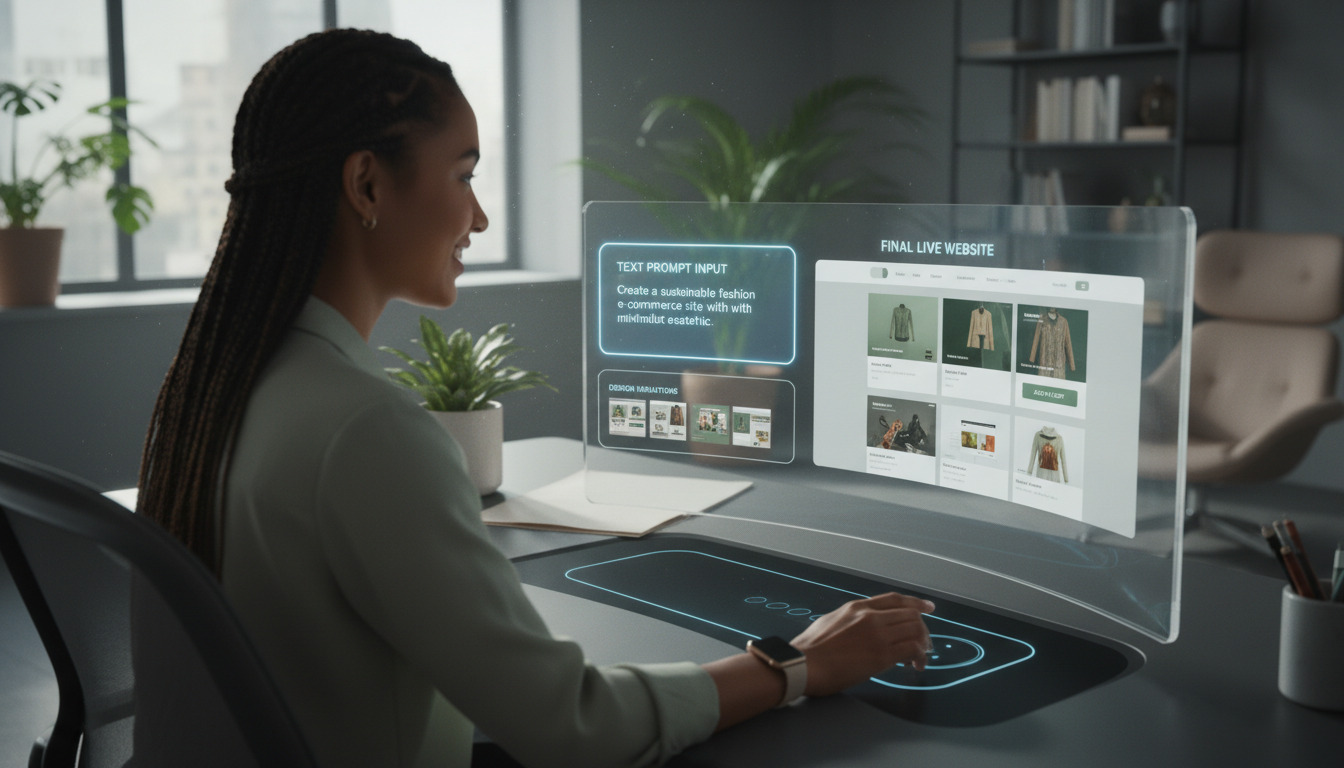
Remember when building a website meant weeks of coding, endless design revisions, and constant testing? In 2026, that process has completely changed.
Thanks to AI Website Builder Free tools, anyone can now create a professional, mobile-responsive website by simply describing what they want in plain English.
From small businesses to startups and bloggers, AI web design tools are revolutionizing how websites are built—faster, cheaper, and smarter than ever before.
Why AI Web Design Tools Are Game-Changers
Let me share a quick story. Last month, a friend who runs a small bakery needed a website to showcase her seasonal products. With zero technical experience and a tight budget, she was stuck. I suggested an AI website builder, and within two hours, she had a professional, mobile-responsive site complete with an online ordering system. Her sales increased by 30% the following week.
This is the power of AI in web design—democratizing beautiful, functional websites for everyone, regardless of technical skill.
Top AI Web Design Tools Transforming the Industry in 2026
1. Wix ADI (Artificial Design Intelligence)
Wix has been in the website building game for years, but their AI implementation has reached new heights in 2026. After asking you a series of questions about your business and preferences, it generates not just one but multiple complete website designs. What’s remarkable is how it intelligently places elements based on conversion optimization data from millions of websites.
2. Framer AI
If you’re in the tech space, you’ve probably heard about Framer. Their AI tool is particularly impressive for creating interactive prototypes. You can type prompts like “Create a dark mode fintech dashboard with a login screen and data visualization,” and it builds a working prototype complete with realistic sample data. It’s become an essential tool for startup founders and product designers.
3. Designs AI
This comprehensive suite goes beyond just websites, but their website maker “Designs.ai” deserves special attention. It uses AI to maintain consistent branding across all your materials—something that used to take professional designers weeks to perfect. Their color palette generator alone has saved me countless hours of tweaking and testing combinations.
How These Tools Are Changing Design Workflows
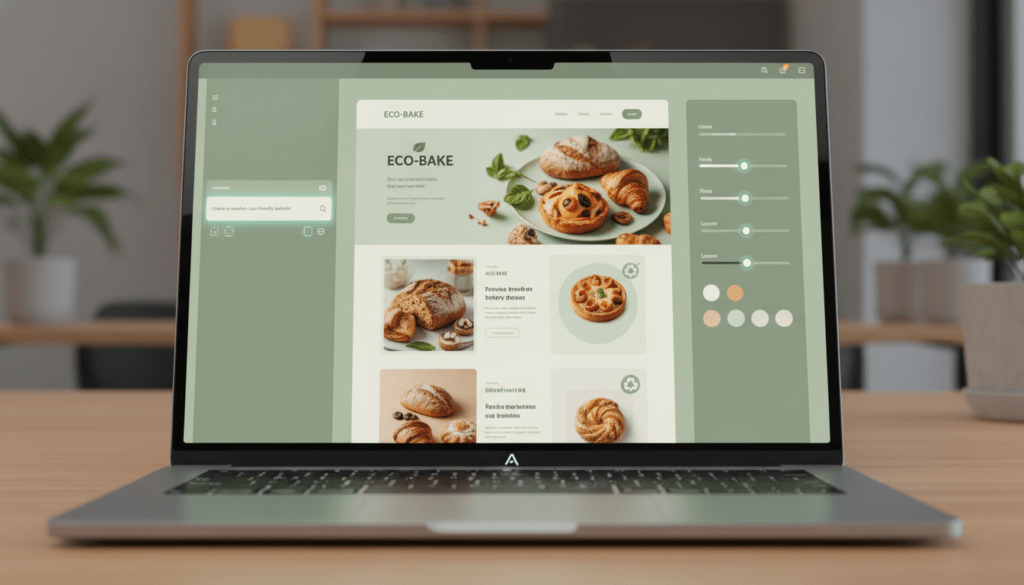
The most significant shift I’ve noticed isn’t just in the output but in the design process itself. Instead of starting with a blank canvas (which can be intimidating even for experienced designers), you start with AI-generated options that you can then refine. It’s like having a brainstorming partner who never gets tired and has analyzed every successful website design from the last decade.
For fellow bloggers and marketers (check out our guide on Best Free AI Writing Tools in 2026, this integration is particularly powerful. Many AI design tools now seamlessly connect with AI writing assistants, creating cohesive content and design in one workflow.
The Human Touch in an AI-Driven Process
Here’s what surprised me most as I’ve tested these tools throughout 2026: AI hasn’t replaced designers; it’s amplified their capabilities. The most successful websites I’ve seen combine AI efficiency with human creativity and strategic thinking.
The AI handles the repetitive, time-consuming tasks—responsive adjustments, browser compatibility testing, accessibility compliance—while humans focus on the strategic elements: brand storytelling, user journey mapping, and emotional connection.
For those interested in how AI is transforming other technical fields, you might enjoy our article on AI-Powered Code Review, which explores similar efficiency gains in software development.
Practical Tips for Getting Started with AI Web Design
- Start with clear objectives – Before using any tool, know what you want your website to accomplish. More sales? Email signups? Information sharing?
- Gather inspiration first – Save 3-5 websites you admire. Most AI tools allow you to upload inspiration to guide their generation.
- Iterate, don’t settle – Generate multiple options. The first design is rarely the best one.
- Customize strategically – Use the AI foundation, then add your unique branding elements, photography, and voice.
- Test thoroughly – Even AI-generated sites need human testing across devices and user scenarios.
The Future Is Collaborative
As we move further into 2026, I’m most excited about the collaborative potential between human designers and AI assistants. The tools are evolving from simple generators to true collaborators that learn your style preferences, understand your industry’s conventions, and suggest innovations based on emerging trends.
For small business owners, this means professional websites at a fraction of the traditional cost and time. For designers, it means focusing more on creative strategy and less on tedious implementation. And for everyone else? It means the web is becoming more beautiful, functional, and accessible than ever before.
Whether you’re building your first website or your hundredth, AI design tools in 2026 aren’t just a convenience—they’re fundamentally changing what’s possible with limited time, budget, or technical expertise.